How many photos does a smooth zoom need?
Three photos are the minimum. Five to eight is the sweet spot. Past that, you are mostly adding shooting time rather than smoothness. Here is why, and three real photo sets that show it.
The rule behind the number
Zoom Buzz finds the same scene in every photo you upload and lines them up, one zoom level at a time. Each step from one photo to the next can be no more than about three times closer than the one before it, the same rule the how-to-create-a-zoom guide uses when stepping through zoom levels: much more than that, and the closer photo shares too little detail with the wider one for Zoom Buzz to find the overlap.
That rule sets the floor. Going from a 1x wide shot straight to a 30x close-up in one step is roughly a 30-times jump, far past what one step can bridge. Splitting the same range into several three-times steps is what actually gets you there.
Three real ladders
St Pancras: six photos, 1x to 30x, eleven seconds.
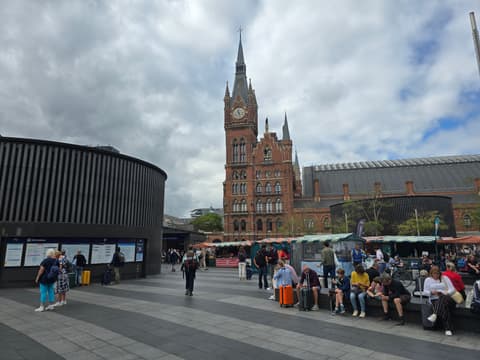
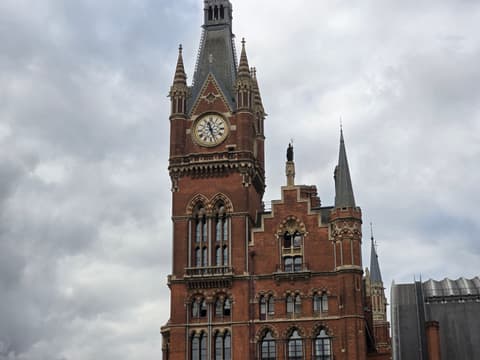
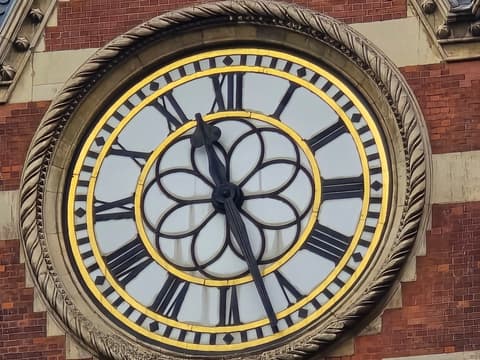
From the whole station forecourt to the clock face, in steps of roughly 2x, 1.5x, 1.7x, 2x and 3x. Six photos over a 30-times range keeps every step comfortably inside the three-times rule.
Musée d'Orsay: seven photos, 0.6x to 30x, twenty-one seconds.
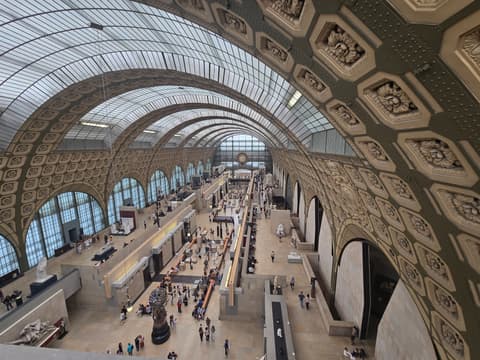
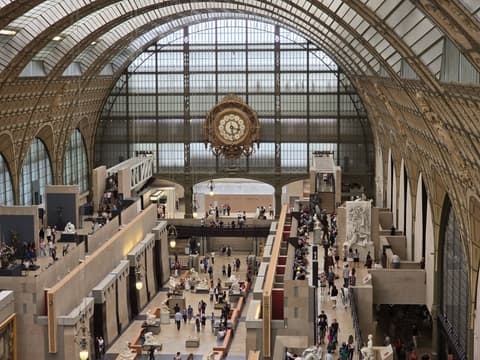
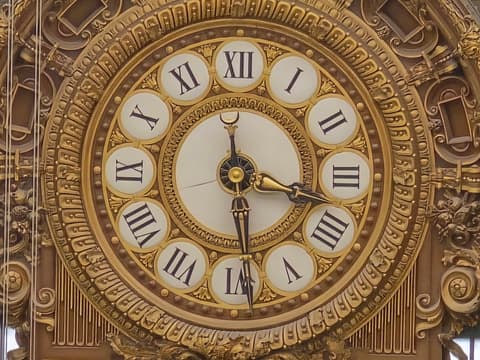
The widest set in the guide, starting on the ultra-wide lens to take in the whole curved hall before working up to the gilded clock at the far end, about fifty times closer overall. One extra photo bought room for a wider starting point without any single step growing past the rule.
Eiffel Tower: five photos, 2x to 30x, under half a minute.
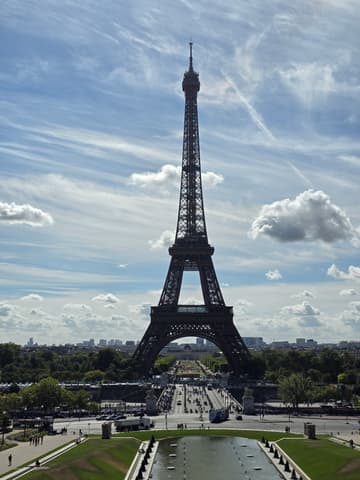
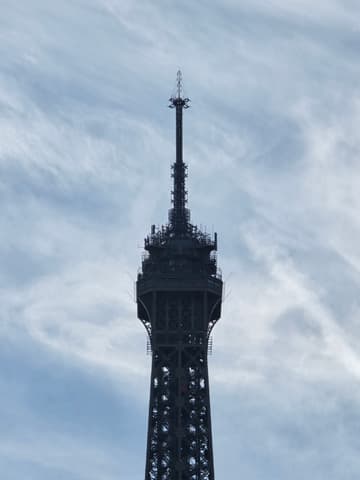
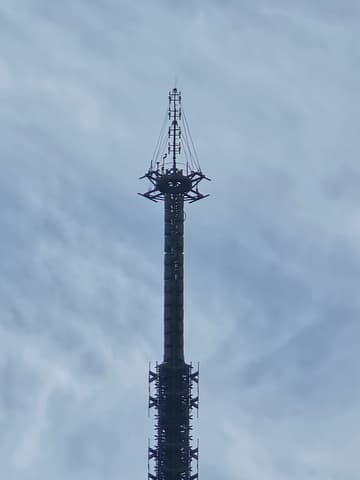
The shortest range of the three (15 times rather than 30 or fifty), so it needed the fewest photos: five steps of roughly 2.5x, 2x, 3x and 1x each.
Fewer photos were not a shortcut here. The range each set covered set the floor, and each set used close to the minimum that range allowed.
The tradeoff, stated plainly
Fewer photos means bigger steps, and bigger steps mean less margin: a hand-held blur, a person walking through the frame, or a slightly-off angle on any one photo is more likely to break a big step than a small one. More photos means smaller, safer steps, at the cost of a few more seconds standing still and a few more photos to review before you leave the spot.
Five to eight is where that tradeoff settles for most subjects: enough photos to keep every step small, not so many that you are shooting near-duplicates.
When to use more, or fewer
Use nearer eight when your closest detail is very small relative to the wide shot, as the Musée d'Orsay clock was, or when the light or your own hands are unsteady and you would rather cover a smaller jump each time. Use nearer three when your zoom range is modest, as the Eiffel Tower set's 15-times total was: extra photos there would have added shooting time without any step ever needing to shrink.
Related reading
Read the full how-to-create-a-zoom guide for how to shoot each photo, and why photos fail to align for what to do when a step turns out too big after all.